Getting your poster into Word, in three steps
- Fill in the generator: your animal's photo, their name, their distinctive marks, where and when they went missing, and a way to reach you.
- Download the high-resolution PNG: that is the version that stays sharp once it is printed on A4.
- In Word or Google Docs, go to Insert then Picture and choose the file: you can then write around it, add a second page, or duplicate the poster to print several per sheet.
Example posters made here
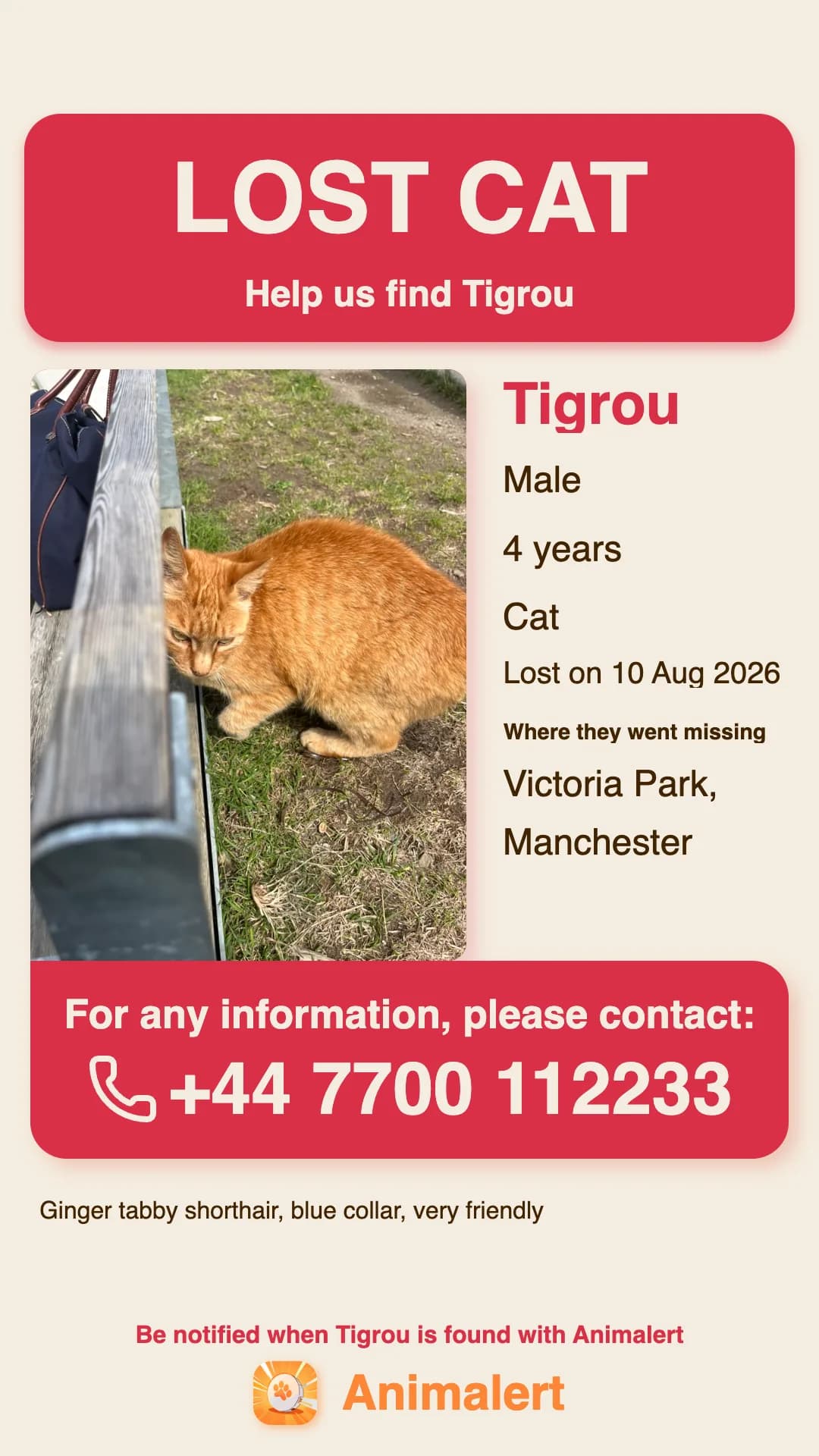
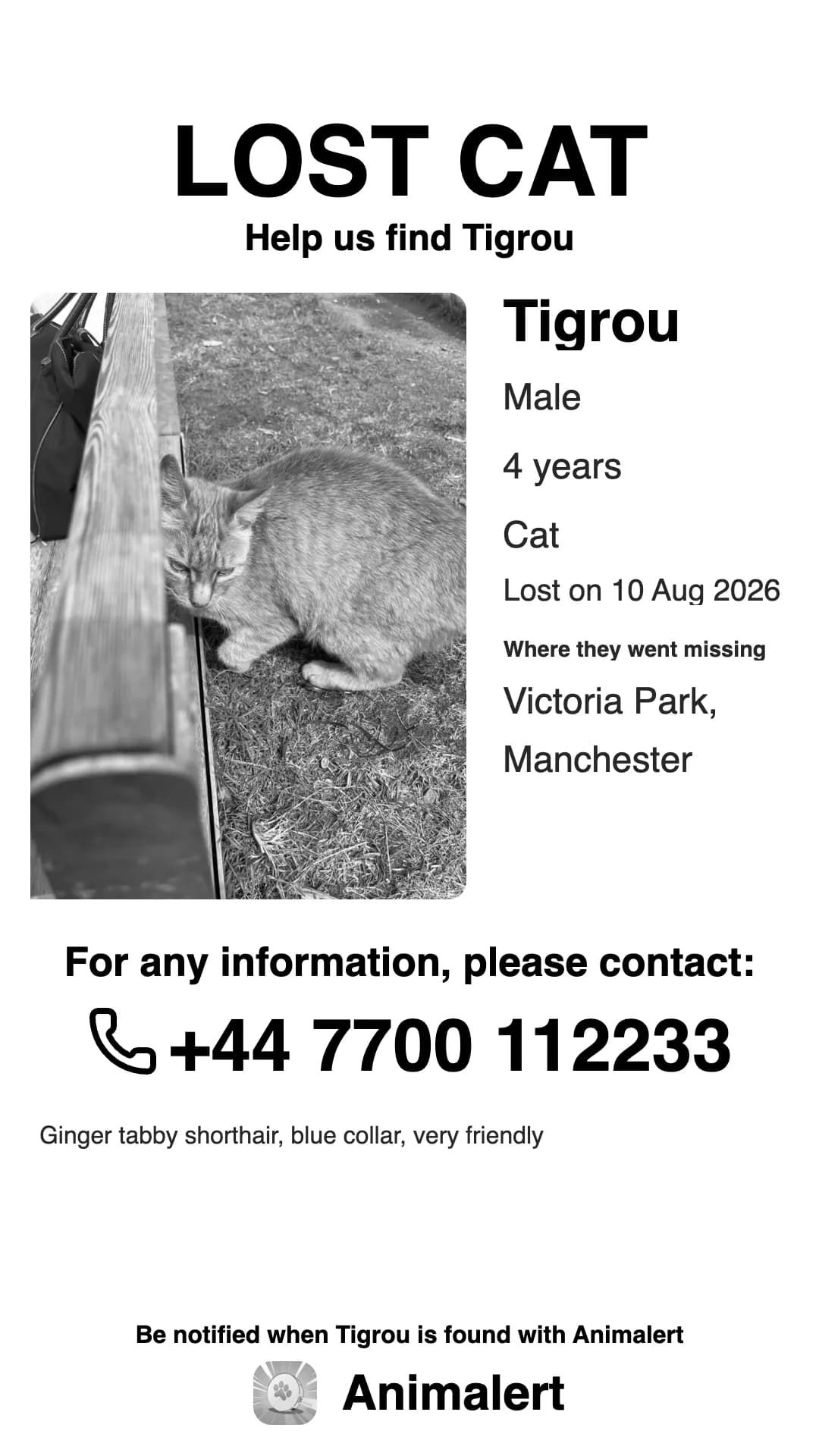
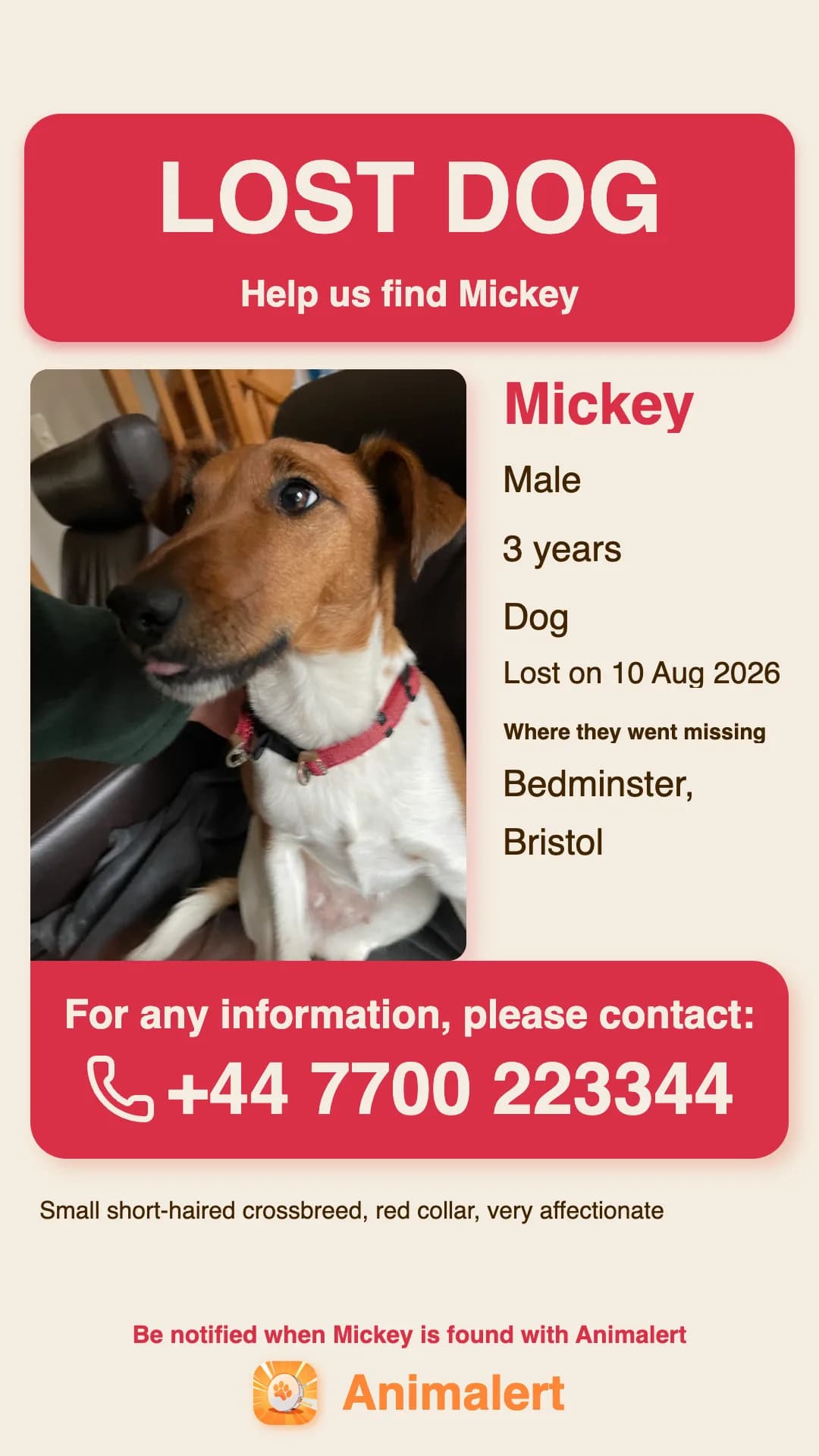
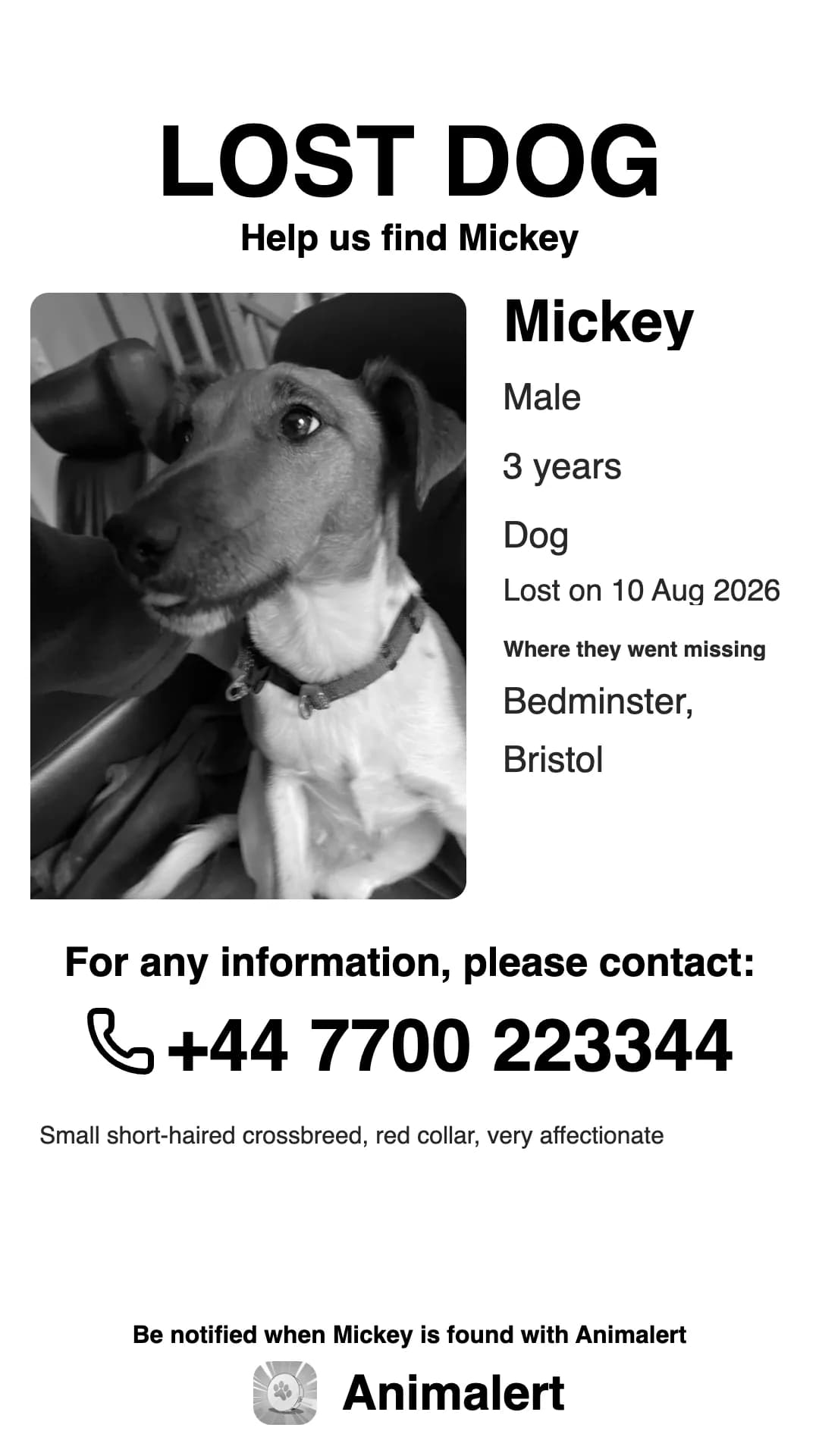
Cat or dog, in colour or in black and white. The black-and-white version costs far less as soon as you are printing thirty of them.
Why there is no .docx template to download here
It is a fair question, and the answer is practical rather than ideological: a Word template does not survive the journey. The fonts we use are not installed on your computer, so Word swaps them for something else and the layout shifts. The photo frames move the moment your image is not exactly the same proportions as the one in the template. The usual result: a title that runs onto two lines, a squashed photo, and a phone number cut off at the bottom of the page.
Making the poster here fixes the layout before you download anything. What you see on screen is exactly what comes out of the printer, on any computer. And you keep the option of dropping it into Word if your document has to hold something else as well.
If someone really does ask you for a Word file
It happens: a council, a school or a shelter that centralises notices may want an editable document. In that case, insert the PNG into an empty Word document and save it as .docx. You get a Word file that contains your poster, which answers the request, and the layout can no longer move, because it is an image.
For ordinary posting though, the PDF is the better file: it prints on A4 with nothing to adjust, and most print shops and local businesses willing to run off a batch for you would rather have it.
The generator is free, needs no account, and your poster is ready in a minute.
Make my posterFAQ - Frequently asked questions
Is there a free missing pet poster template for Word?
You can find them, but they tend to distort from one computer to another, because the fonts and the photo frames do not travel with the file. The simplest route is to make the poster online, free and without signing up, then paste the image you get into Word if your document has to hold anything else.
Can I edit the poster after downloading it?
Not the text on the poster itself: it is an image, which is what guarantees it prints the same everywhere. You can remake it as many times as you like though, free, whenever a detail changes. Plenty of families redo the poster after a few days to add something they have learned or swap the photo.
Word or PDF for printing my poster?
The PDF, without hesitation. It comes out A4 ready to print, with no margins to set, and the text stays sharp even scaled up. Word is only worth the detour if your poster has to sit inside a longer document.